
Know which accounts deserve your time
Your territory contains more accounts than you can research properly. When evidence is scattered across your CRM, LinkedIn, news, data tools, and ChatGPT, strong accounts get missed and weak accounts get worked. OneSales shows where the opportunity is, who matters, and what changed, then gives you an editable email grounded in that context.
Book a Demo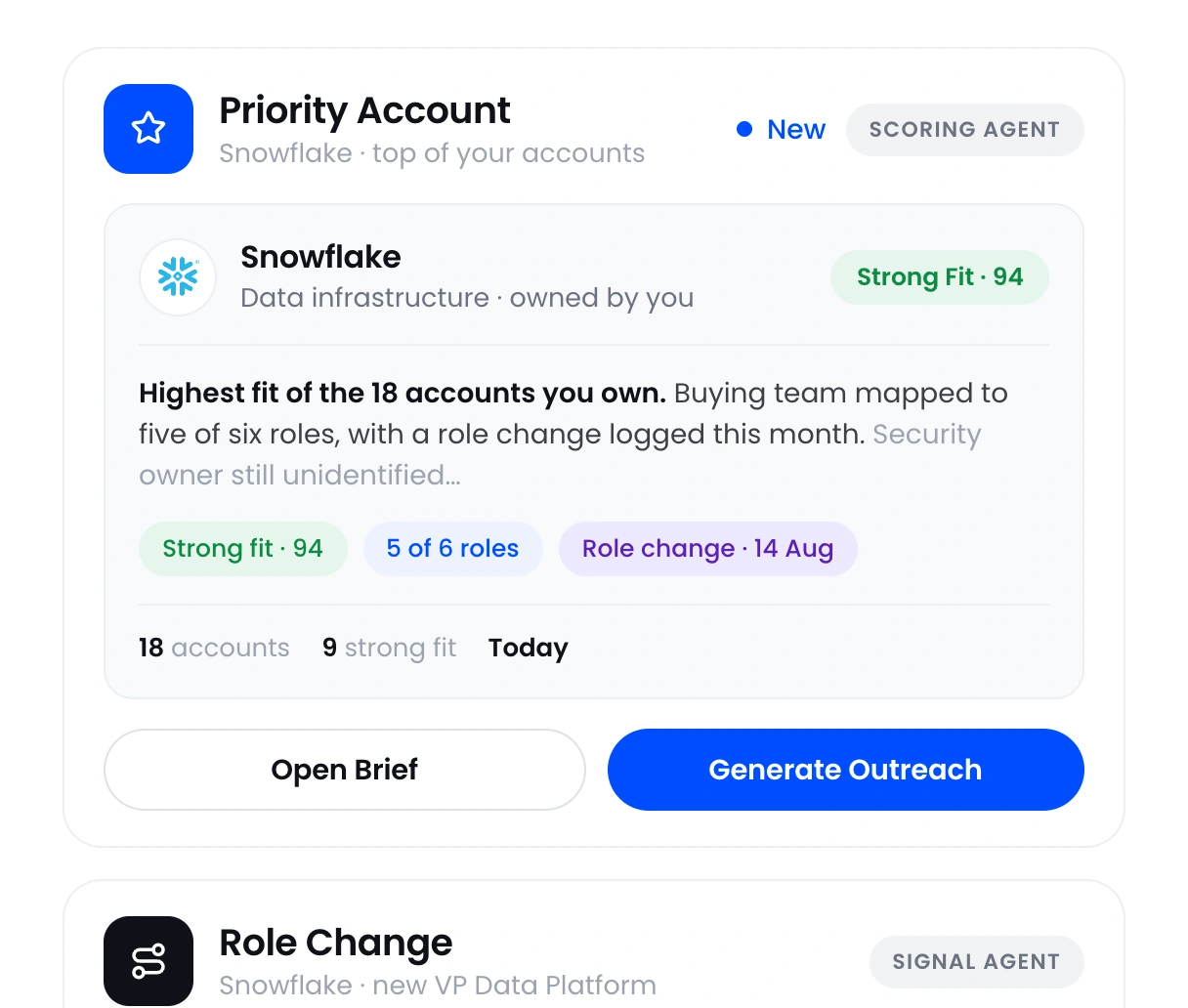






Stop researching every account from scratch
You cannot read every filing, earnings call, news item, CRM record, and LinkedIn profile across your territory. OneSales researches and scores your target accounts against your ideal customer profile, then shows the evidence behind each score. You can see where the strongest opportunities are before selling time disappears into manual research.
 See which accounts best match your ideal customer profile
- Understand the evidence behind each account score
- Spend research time only where it can create pipeline
Catch the signals that create an opening
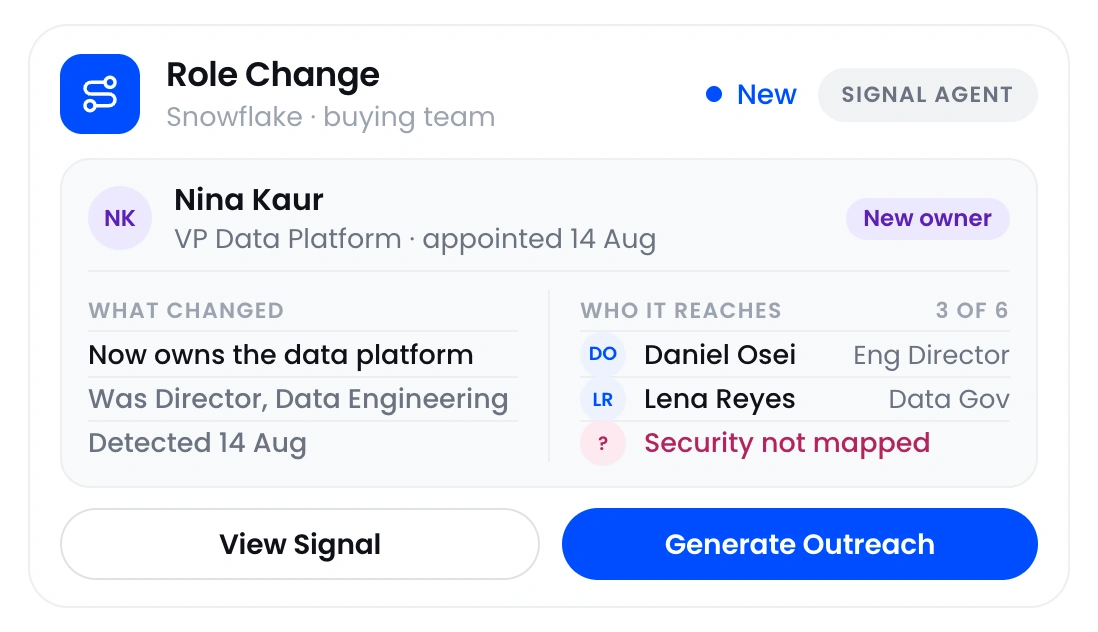
An account can match your ideal customer profile and still be a poor use of time if nothing has changed. The opening appears when a new executive arrives, a strategic initiative launches, hiring accelerates, or another relevant signal creates a reason to act. OneSales monitors those changes and connects them to the people who matter, so you can reach out while the issue is active.
- See the changes that create a reason to act
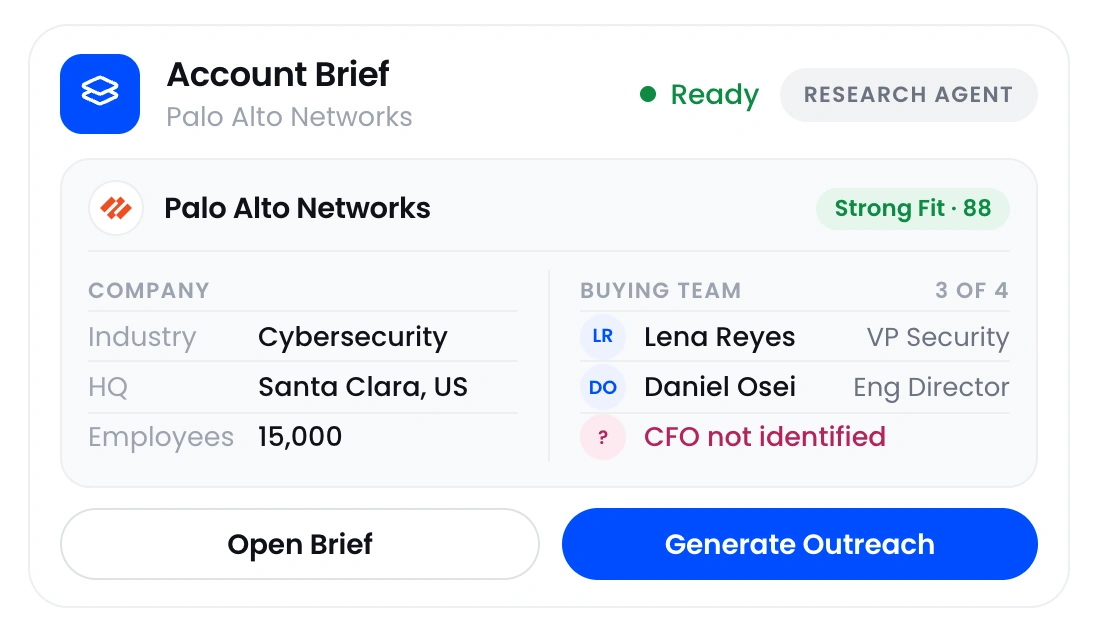
- Identify the buying team and missing roles
- Reach the right person while the signal is current
Write outreach grounded in the account
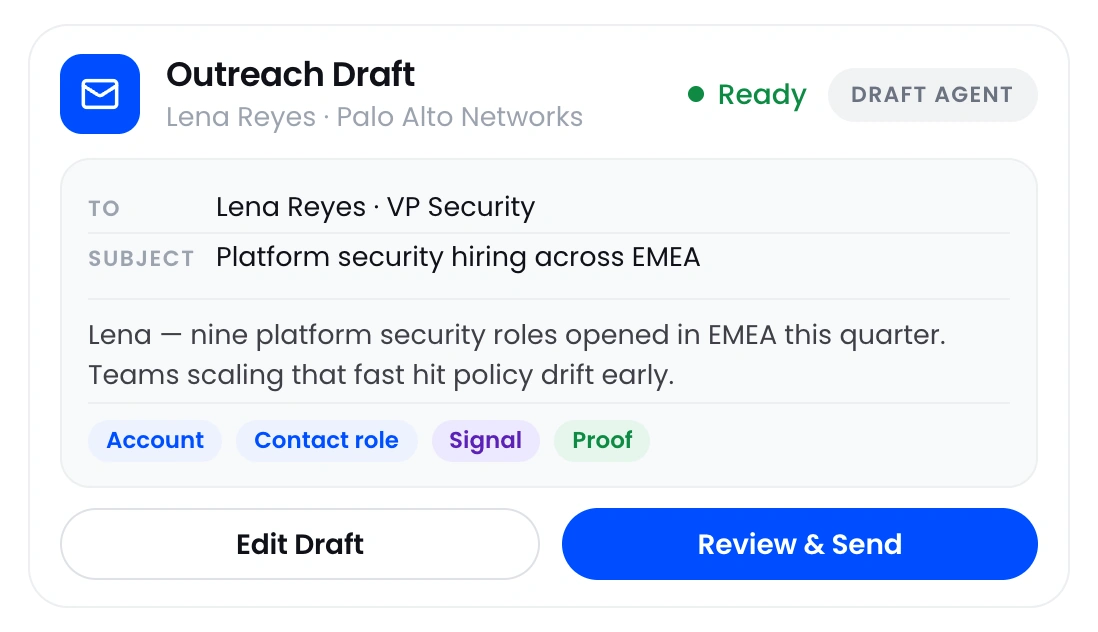
Finding the right account and signal only matters if the message connects the change to a problem you solve. Generic AI drafts sound like spam because they lack that connection. OneSales combines the account, contact role, relevant signal, customer proof, and your value proposition in an editable email. You start with a reasoned message, not a generic template.
- Ground the draft in the account and contact
- Connect the signal to a problem you solve
- Review and edit before anything is sent
Work the right accounts
See where the strongest opportunities are across your territory or target account list.
Find your way in
See the people involved in the decision and which roles are still missing.
Catch the signal
Reach out while a relevant company or people change is still current.
Start with real context
Get an editable email grounded in the account, the contact, and the signal.
Know where to focus, who to contact, and what to say
Move from a target account list to credible outreach without copying research between tools.
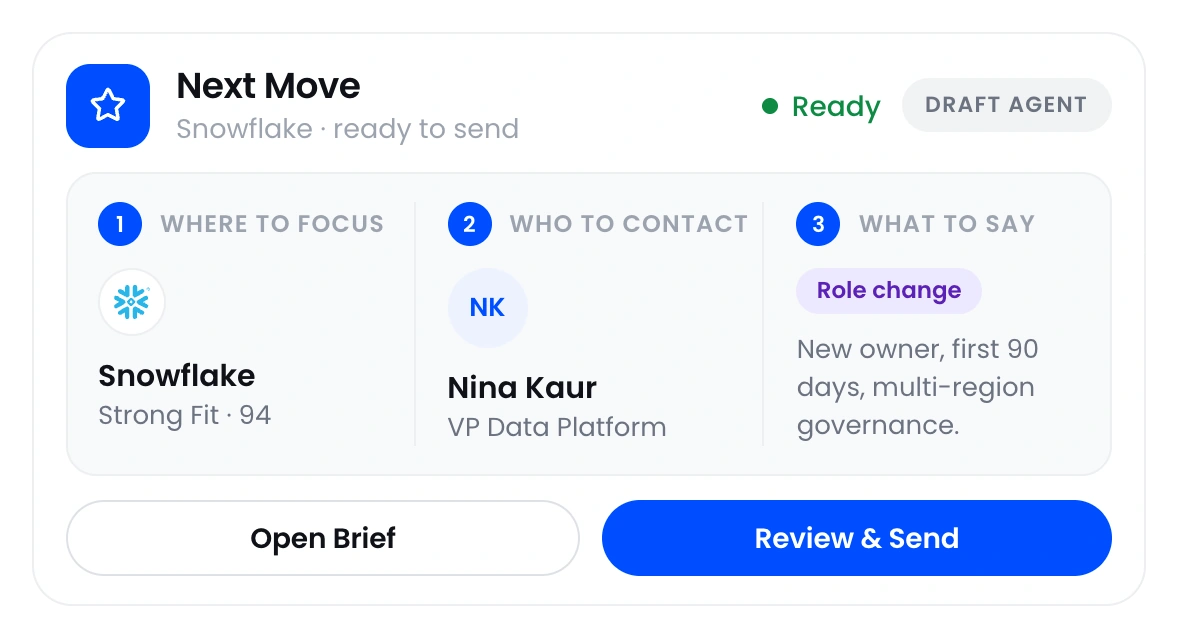
What sales reps use OneSales for
Use these workflows separately or together to move from account selection to credible outreach.
Account Research, Scoring and Prioritization
Research target accounts, score them against your ideal customer profile, and review the evidence behind each priority.
Learn more ›Signal Based Outbound
Spot the account and people changes that create an opening, then reach out while the signal is still current.
Learn more ›Value Messaging
Connect the signal and contact’s priorities to your value proposition in an editable email.
Learn more ›Questions about OneSales
Straight answers about what OneSales does and how it works with your existing systems.
What is OneSales?+
OneSales shows which accounts best match your team’s ideal customer profile, why they fit, who is involved in the decision, and what changed. It brings the research into one place and prepares an editable email based on the account and contact.
Does OneSales replace our CRM?+
No. Your CRM remains the system of record. OneSales works with the accounts already there, researches them, scores each one against your ideal customer profile, identifies relevant stakeholders, tracks important changes, and gives sellers guidance on what to do next.
Can sellers use OneSales in Claude or ChatGPT?+
Yes. Sellers can ask Claude or ChatGPT questions using the account research and stakeholder information stored in OneSales.
Where does Book a Demo take me?+
Book a Demo takes you to the OneSales demo page, where you can book a 30-minute walkthrough.


