
Know which customer accounts need attention
When you manage dozens or hundreds of customers, important changes are easy to miss. Champions move, priorities shift, teams reorganize, and the evidence sits across CRM records, LinkedIn, news, and meeting notes. OneSales monitors the accounts and contacts you choose, keeps the latest context in one brief, and shows which customers need attention before the next conversation.
Book a Demo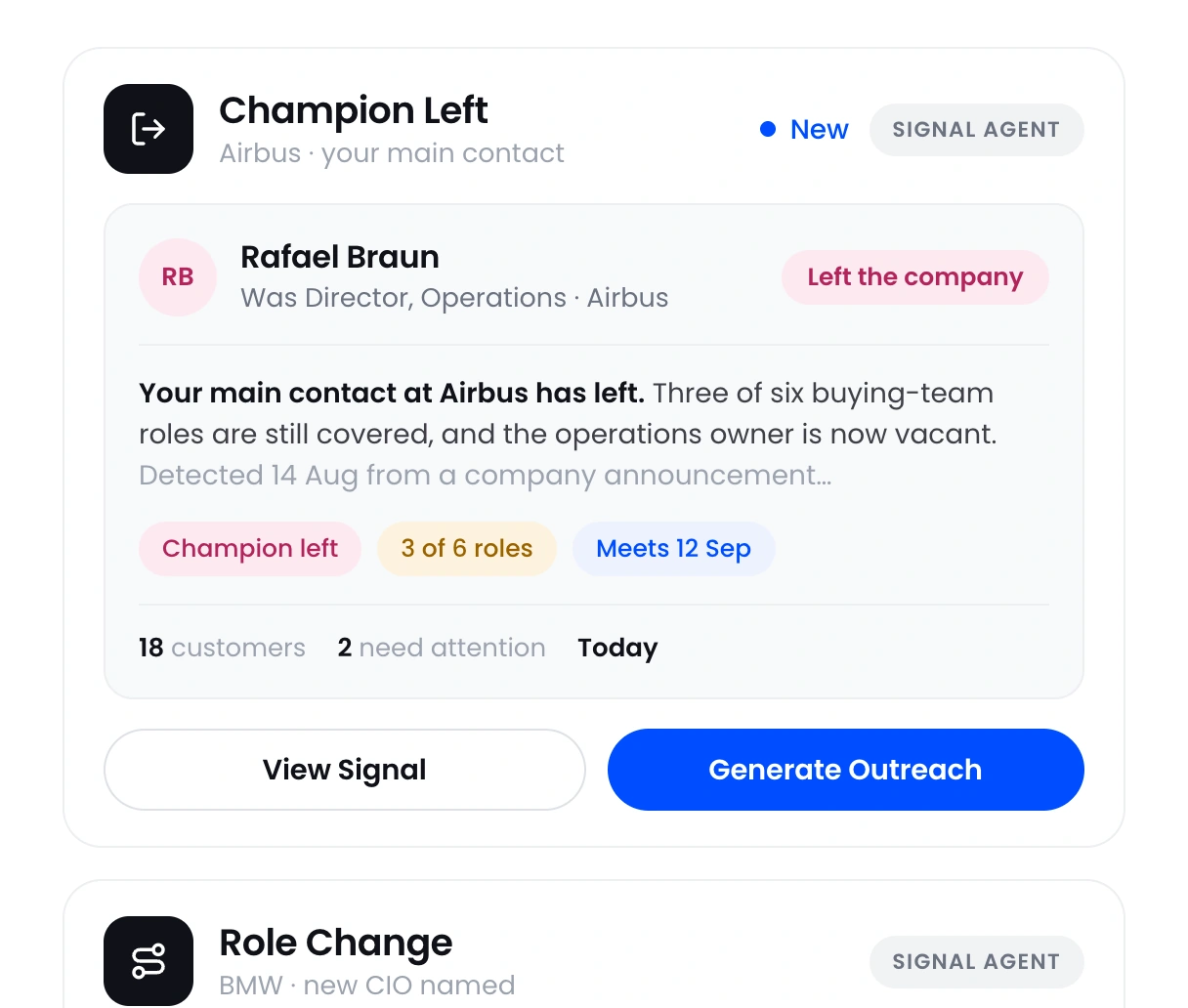












Catch champion and stakeholder changes early
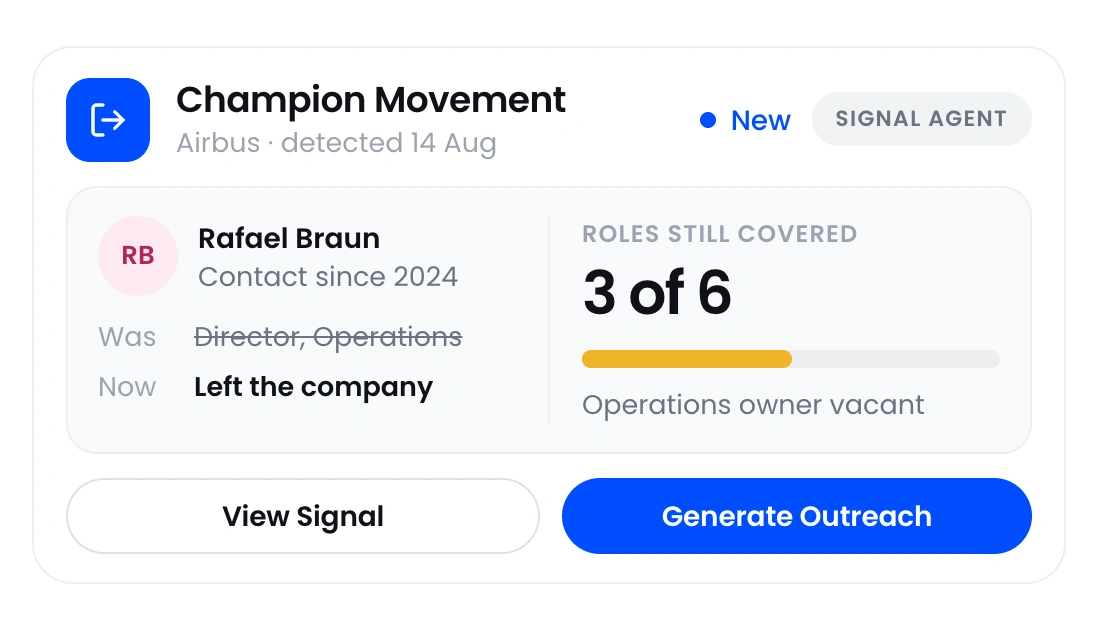
A champion can change roles, leave the company, or lose influence between calls. If you find out during a renewal or escalation, you are already behind. OneSales monitors the contacts you choose and keeps their previous and current roles together, so you can see the change, assess the relationship risk, and plan the next conversation.
 Spot role and company changes
- See who moved and where they went
- Decide which relationships need attention
Walk into every customer meeting with current context
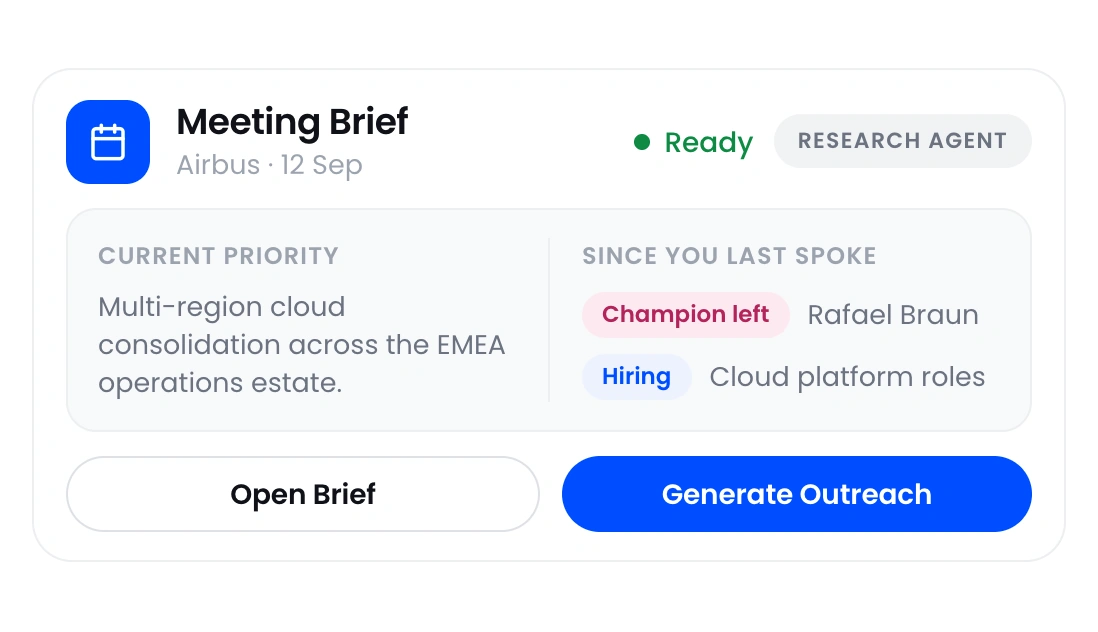
Customer information becomes stale as soon as the account changes. Searching CRM notes, LinkedIn, company news, and old call notes wastes time and still leaves gaps. OneSales brings current company information, key contacts, decision roles, and recent changes into one account brief before the meeting.
- Review the latest company and stakeholder changes
- See the people involved and missing relationships
- Prepare without searching across tools

Find the customer accounts that need attention first
A large portfolio makes it easy to spend time on the loudest customer while quieter risks and expansion signals go unnoticed. Review recent account and people changes in OneSales or ask Claude across your customer portfolio, then focus on the accounts where a key stakeholder, company priority, or strategic initiative has changed.
- Review changes across many customer accounts
- Use OneSales or Claude through MCP
- Follow up while the change is still relevant
Protect key relationships
See when champions or stakeholders change roles before the relationship goes cold.
Prepare with current context
Start each meeting with current company, people, and account information.
Cover more of your portfolio
Review meaningful changes without opening every CRM record.
Act before the next call
Know which accounts need attention and what changed before the conversation.
Know which customers need attention and what to do next
Move from scattered account information to a focused plan for the next customer conversation.
What customer success teams use OneSales for
Use these workflows together to monitor stakeholder movement, prepare with current account context, and follow up while the change is relevant.
Champion and Stakeholder Tracking
Monitor the contacts that matter and see when they change role or company, so relationship risk does not surface first in the meeting.
Learn more ›Customer Account Research
Bring current company information, key contacts, decision roles, and recent changes into one account brief.
Learn more ›Customer Follow Up Drafting
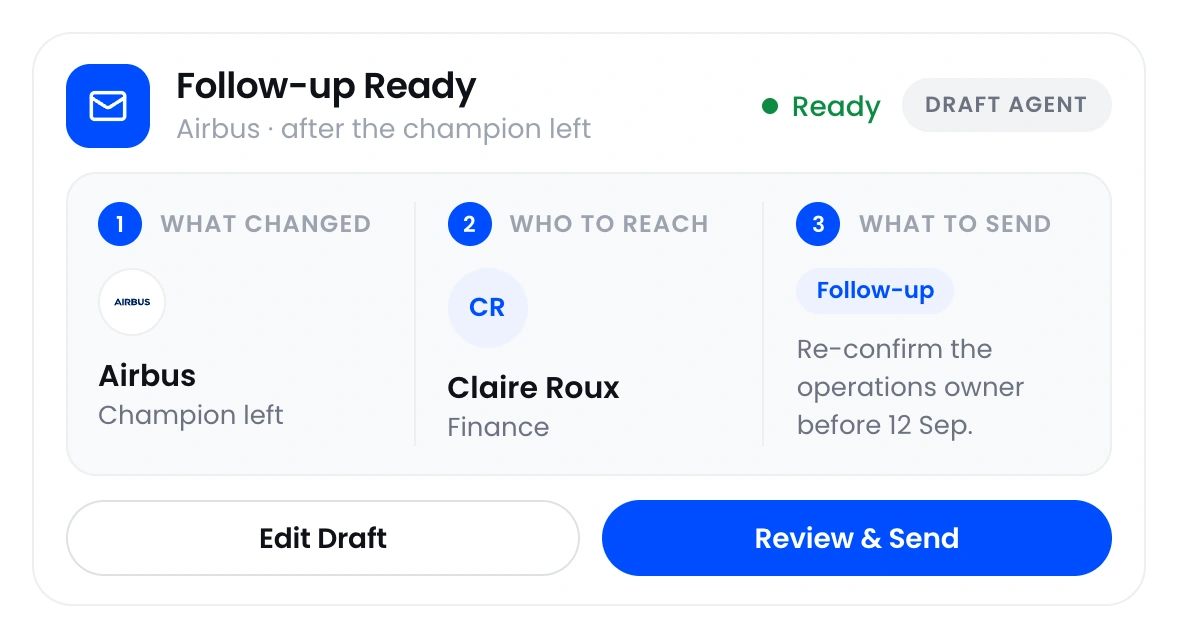
Draft an editable follow up grounded in the account, contact, conversation, and latest relevant change.
Learn more ›Questions about OneSales
Straight answers about what OneSales does and how it works with your existing systems.
What is OneSales?+
OneSales keeps current company and stakeholder information for the customer accounts your team monitors. It tracks relevant company and job changes, identifies the people involved in the decision, prepares account briefs, and can draft customer follow up using that information.
Does OneSales replace our CRM?+
No. Your CRM remains the system of record. OneSales works with the accounts already there, researches them, scores each one against your ideal customer profile, identifies relevant stakeholders, tracks important changes, and gives your team current information for the next customer conversation.
Can customer success teams use OneSales in Claude or ChatGPT?+
Yes. Your team can ask Claude or ChatGPT questions using the customer account and stakeholder information stored in OneSales.
Where does Book a Demo take me?+
Book a Demo takes you to the OneSales demo page, where you can book a 30-minute walkthrough.


